VLC Media Player APK Download v for Android
| Updated | October 2026 |
| Size | 40 MB |
| Version | 3.6.4 |
| Requirements | Android 4.2+ |
| Downloads | 100M+ |
| Get it on |  |
Description
Introduction
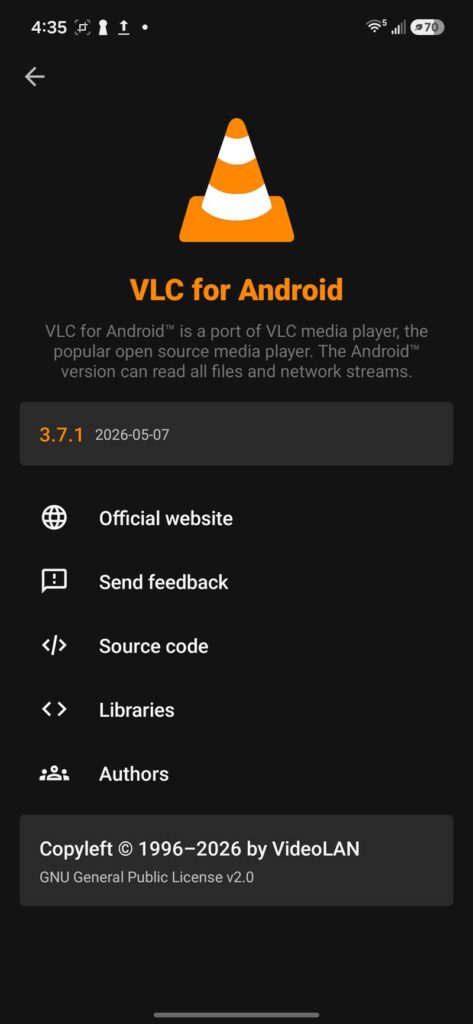
VLC Media Player is one of the most trusted names in media playback, and its Android app brings the full desktop experience to your phone. Developed by the non-profit VideoLAN organization, VLC is completely free and open source — as a result, there are no ads, no tracking, no in-app purchases and no premium tiers hiding features behind a paywall.
Above all, what makes VLC special is simple: it plays everything. While most built-in phone players choke on MKV files, FLAC audio or unusual subtitle formats, VLC handles them out of the box with zero extra codec downloads. For example, if you regularly watch downloaded movies, TV shows or listen to lossless music on your phone, VLC is the one player that removes every format headache.
App Info
| App Name | VLC Media Player |
| Status | Active & Updated |
| Version | 3.6.4 |
| Size | 40 MB |
| Developer | VideoLAN |
| Category | Media & Video |
| License | Free & Open Source |
| Rating Average | 4.4/5 |
| Number of Votes | 1.6M+ |
| Downloads | 100M+ |
| Requires | Android 4.2+ |
| Updated | October 2026 |
Key Features
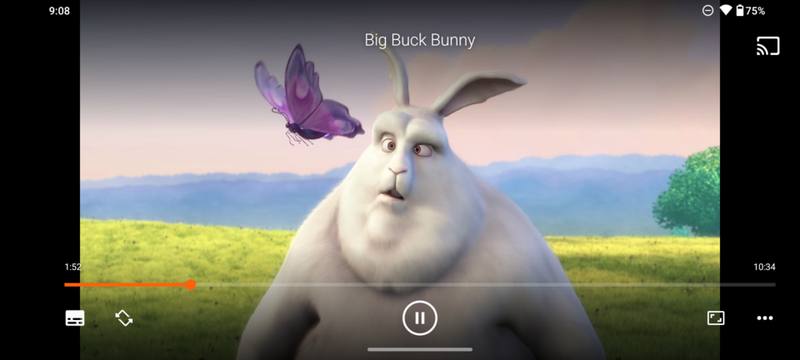
- Universal format support — For instance, VLC plays MKV, MP4, AVI, MOV, WMV, FLAC, MP3, OGG, AAC and dozens more, including 4K and 8K video and 360-degree videos.
- Subtitle handling done right — Download subtitles automatically, adjust subtitle delay to fix sync issues, and also change the font size, color and position.
- Network streaming — You can also stream videos directly from your home network via SMB, FTP, SFTP, NFS or DLNA/UPnP without copying files to your phone.
- Background audio and pop-up mode — Keep listening with the screen off, or shrink video into a floating window while using other apps.
- Built-in equalizer and filters — It also offers a full 10-band equalizer with presets, playback speed control, A-B loop repeat and video filters.
- Chromecast support — In addition, you can cast local videos straight to your TV with a couple of taps.
Why Choose VLC Over Other Players?
MX Player, once the king of Android video players, is now weighed down with ads and paid features. Similarly, your phone’s built-in player handles only common formats. In contrast, VLC has none of these problems: a non-profit runs it, the code is public for anyone to audit, and every feature is free forever. Finally, for privacy-conscious users, the fact that VLC collects zero data is a clear advantage.
Download VLC for Android
Therefore, always download from the official VideoLAN website linked above to avoid modified or fake copies.
How to Install the APK
- First, tap the download link above and wait for the APK file to finish downloading.
- Next, open the downloaded file — Android will ask you to allow installs from your browser. Tap Settings and enable “Allow from this source”.
- Finally, tap Install, then Open. Done — point VLC at any video file and press play.
Frequently Asked Questions
Is VLC Media Player really free?
Yes. Because VLC is developed by the non-profit VideoLAN and funded by donations. Moreover, every feature is free with no ads.
Is the VLC APK safe to install?
Yes, as long as you download it from the official videolan.org website. For this reason, never install VLC copies from random APK mirrors.
Does VLC play MKV and 4K videos?
Yes. In fact, VLC has built-in hardware acceleration and plays MKV, 4K, HDR and even 8K content smoothly on capable devices.
How do I download subtitles in VLC?
While a video plays, open the subtitle menu and choose “Download subtitles” — VLC then fetches matching subtitles automatically.